
Android & iOS · HTML5 browser · No app download
Crabby Collector on Mobile
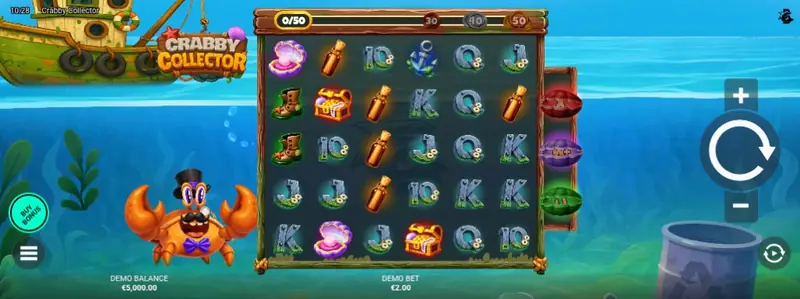
Crabby Collector runs in mobile browsers on Android and iOS through Bullshark Games' HTML5 build — no APK or App Store download. I verified the 6×5 grid, Collection Counter and Grid Booster UI in demo on phone-sized screens; landscape is the comfortable default.
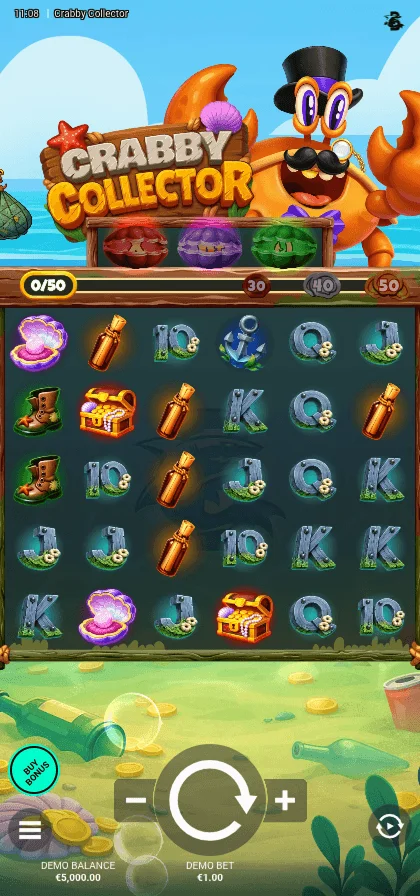
Device and browser compatibility
| Requirement | Supported |
|---|---|
| Android minimum | Android 8.0+ |
| iOS minimum | iOS 14+ |
| Mobile browsers | Chrome, Safari, Firefox |
| Native app | No — HTML5 browser only |
| Tablet support | Yes — portrait and landscape |
| Demo on mobile | Yes — same URL as desktop |
How to play on Android
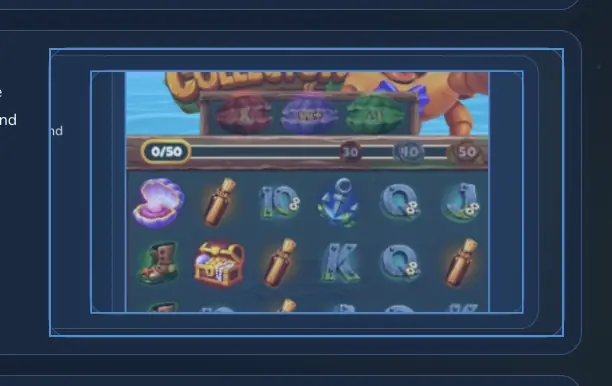
On Android I use Chrome for Crabby Collector — four steps from browser launch to an optional home-screen shortcut. No APK install is required or offered by Bullshark Games.
-
Open Chrome or Firefox
Launch Chrome or Firefox on Android 8.0 or newer. Both handle the WebGL canvas Bullshark ships through OpenRGS without a native wrapper.
-
Load the game page
Navigate to the casino lobby or the demo URL on this site. The game loads inside a browser tab exactly as on desktop — same 6×5 grid and Collection Counter.
-
Rotate to landscape and let the canvas load
On phones, rotate to landscape before tapping play. Thirty symbols plus the Collection Counter and multiplier readout make portrait cramped; landscape matches how I test the demo. Wait for the loading bar to finish — use Wi-Fi on first load.
-
Optional: Add to Home Screen
In Chrome, open the menu and choose Add to Home screen for a full-screen shortcut. It is still the browser build, not a native app.
How to play on iPhone and iPad
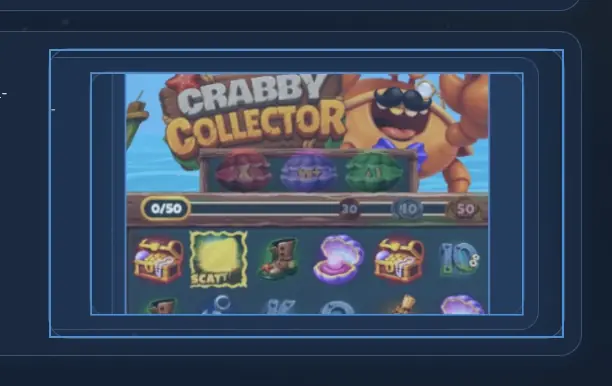
Safari is my recommended browser on iOS for Crabby Collector — four steps from launch to a home-screen shortcut for quick return visits.
-
Open Safari (recommended)
Safari on iOS 14+ delivered the smoothest cascade animations in my June 2026 check. Firefox works but Safari handled booster activation transitions more reliably on an iPhone 13.
-
Navigate to the game
Enter the casino lobby or demo link. No App Store download — the title streams as HTML5 through the operator iframe.
-
Rotate to landscape and tap play
Rotate your phone to landscape for a readable view of all 30 grid positions and the Collection Counter along the side. Tap the centre play button and wait for the canvas to initialise.
-
Add to Home Screen for quick access
Tap Share, then Add to Home Screen. The shortcut opens Safari in standalone mode but remains a browser session — not a separate Bullshark app.
Mobile vs desktop experience
What's different on mobile
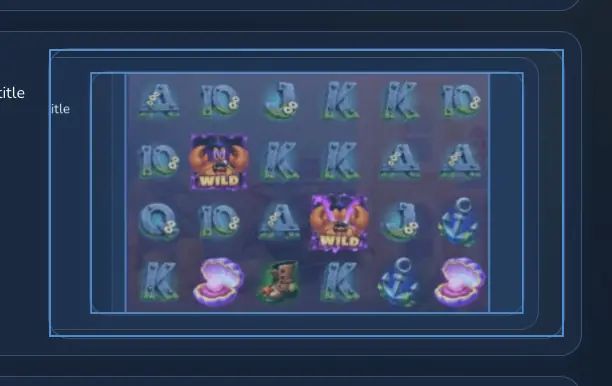
- Touch replaces mouse input — spin, stake and menu buttons are sized for fingers, though the dense 6×5 layout rewards landscape orientation on phones.
- The Collection Counter stays visible in the mobile UI I tested; it does not collapse behind menus during cascades. If your operator skin hides it, that is a lobby wrapper issue — switch to landscape or report it.
- Cascade and Grid Booster animations are heavier than a simple three-reel slot. On slow mobile data you may notice a short gap between cascade steps while the next drop animates.
Full feature parity
- Every mechanic available on desktop — all-scatter clusters, Collection Counter tiers, Grid Boosters, accumulating Global Multiplier in the bonus round, and Bonus Buy — is present in the mobile HTML5 build.
- Demo mode, autoplay, turbo spin and sound toggles behave identically. No mechanics are stripped from the phone version.
- RTP (96.27%), volatility (4/5) and the 15,000× max win use the same certified math model. Only the input method changes, not the game logic.
Performance tips for mobile play
- Use Wi-Fi for the first load so Bullshark's game assets download fully before you switch to mobile data.
- Close background tabs and apps to free RAM — cascade animations on a 6×5 grid can stutter when the browser is under memory pressure.
- If the canvas freezes after a Grid Booster activation, clear the browser cache for the casino domain and reload in a fresh tab.
- On older phones, lower animation quality in the in-game settings menu to keep cascade chains readable without dropped frames.
- Keep at least 15% battery or plug in during long sessions. Low-power mode can throttle JavaScript and delay touch response between cascade steps.